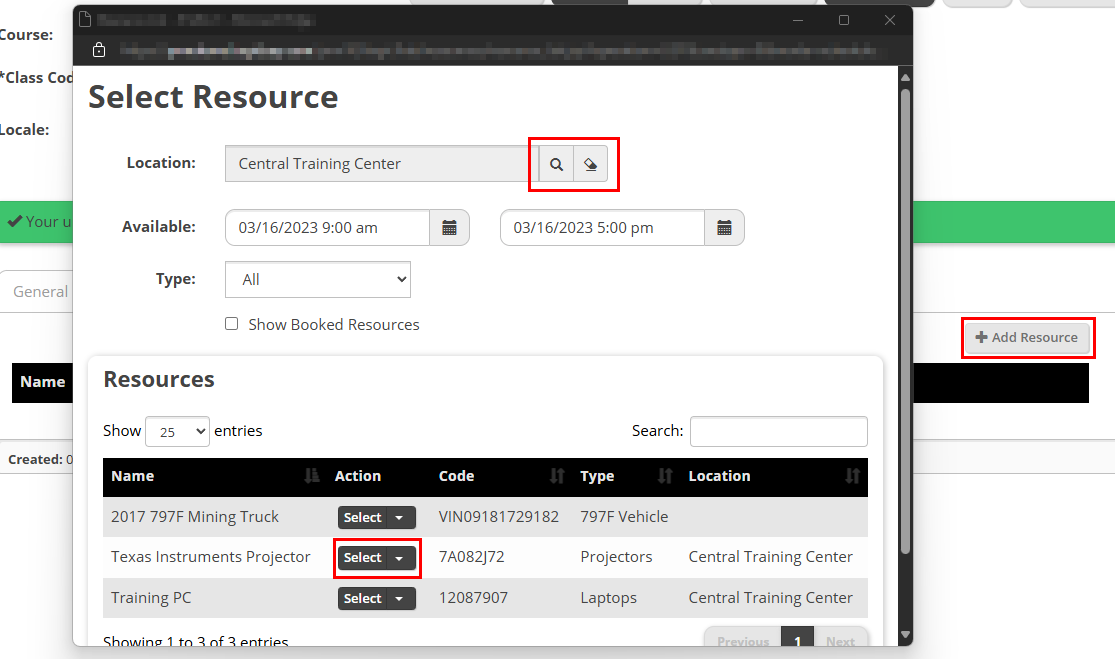
Select the Add Resource button and the Select Resource screen appears. By default, you will see a list of all Resources available at the current Class Location. You can use the magnifying glass button to search for Resources from other Locations. Use the Select button next to the Resource you want to add.
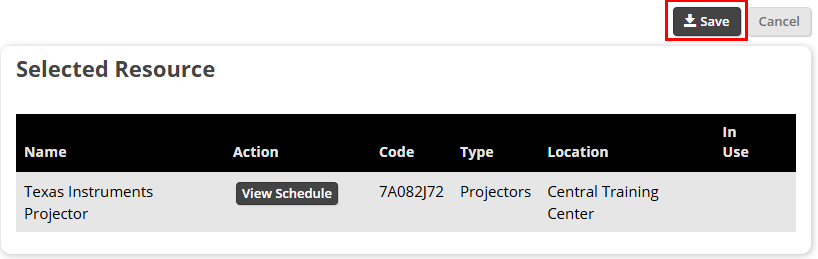
On the next screen, select the Save button to add the Resource.
You will not see your Resource on the Resource tab. You can use the Edit or Delete buttons to make changes to your added Resource.