Skip to main content
Instructor-Led Training - Linked Content Tab
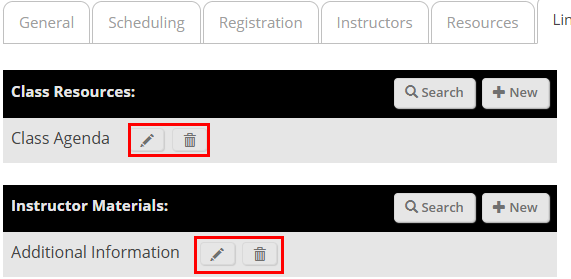
- Use the Search and New buttons to either search for an existing piece of content or create new content.
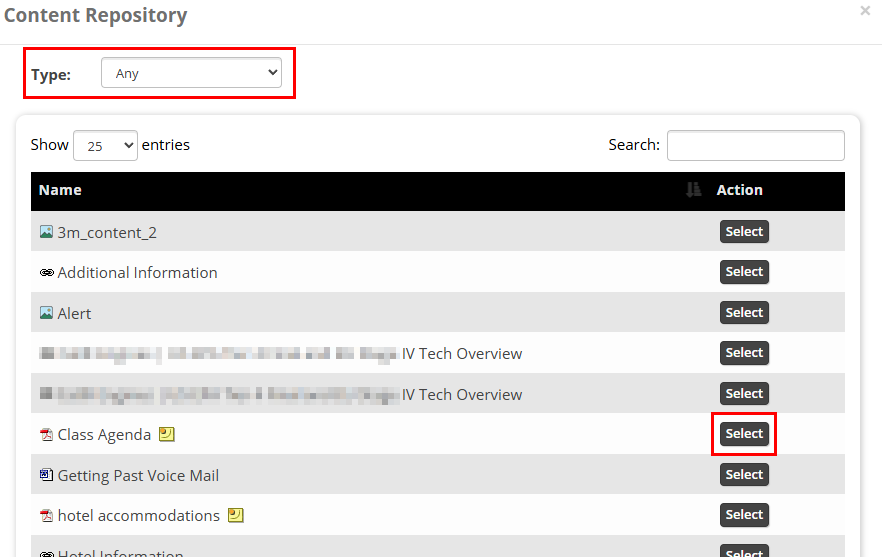
- If adding existing content, select it from the list in the Content Repository. You can use the Type dropdown menu to filter by content type.
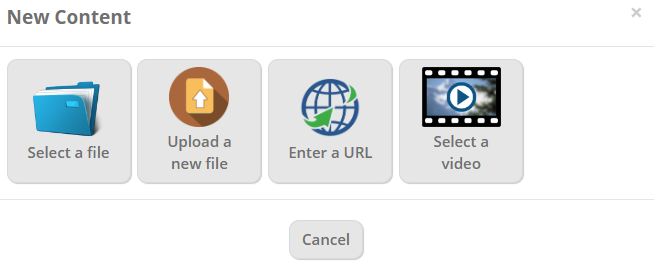
- If creating new content, select new and from the New Content window choose the content format and add the new item as you normally would.
- Use the Edit and Delete buttons to edit or remove added content.