To edit the details of a room:
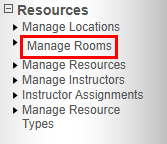
On the Admin menu, select Locations > Manage Rooms. (Rooms can also be edited from the Location in Manage Locations)
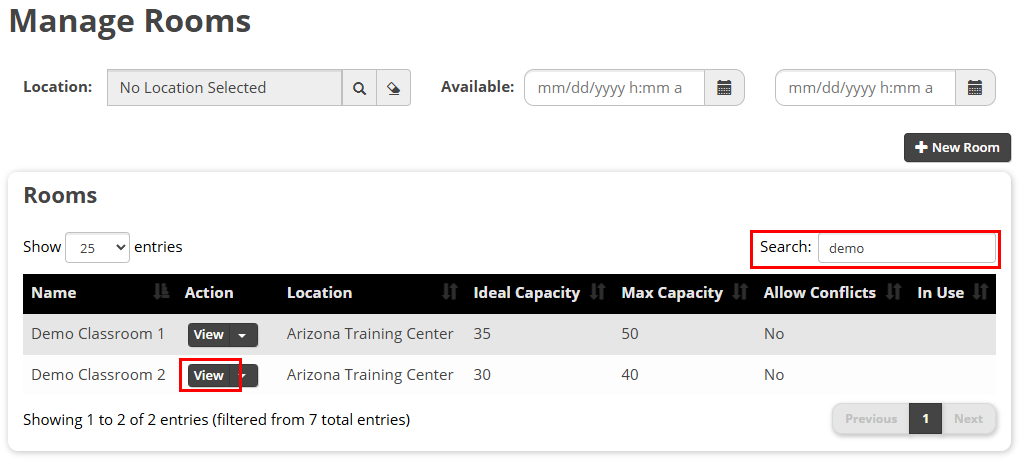
The Manage Rooms screen appears with a list of all available rooms. Use the Search field to narrow the results. Select the View button to view and edit all room details.
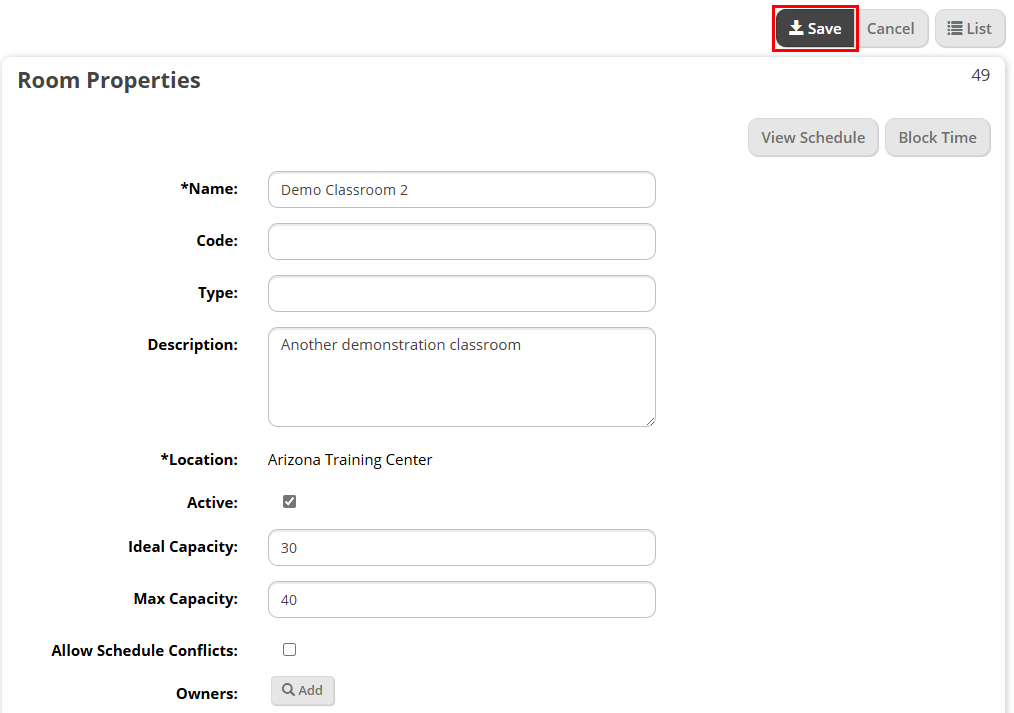
The Room Properties screen appears. Adjust any information as needed and select the Save button when finished.